

Your vendor demo ended twenty minutes ago with a promise that you could be live by Friday. Your integration architect hasn’t said a + Read More about how long does it take to deploy an ai chatbot? an enterprise customer service timeline
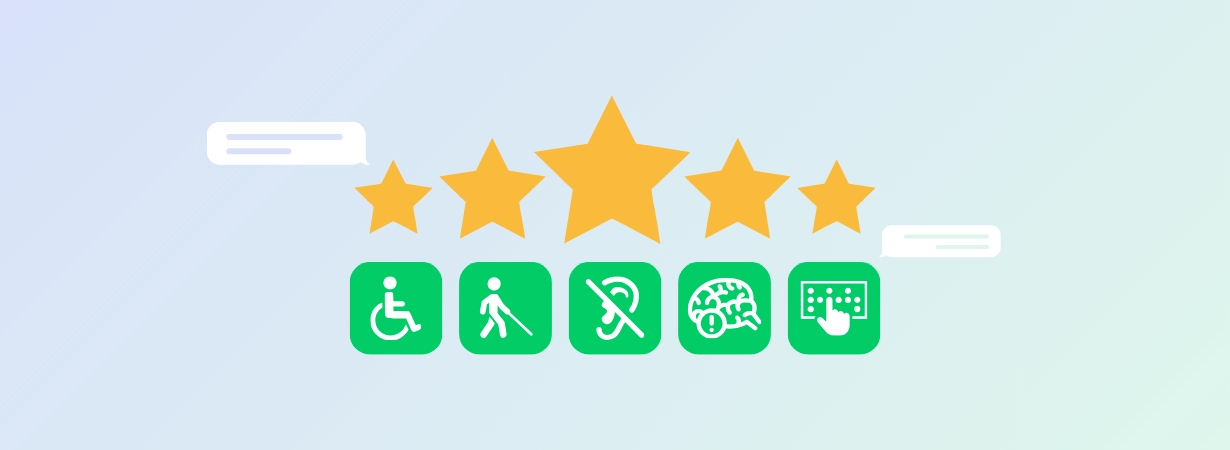
ADA and WCAG Compliance Features to Look for in a Customer Service Chat Platform RFP
When you’re evaluating customer service platforms, the chat widget is often the last thing your team scores. Yet it’s usually one of the first things an accessibility audit flags, and by then, the contract is signed and your only option is a change request. That’s why ADA and WCAG compliance should be written into your RFP from the start, while you still have leverage with vendors. This guide covers the accessibility features to require, how to score vendor answers, and how to check their claims before you sign. Since 2009, Vancouver-based Comm100 has provided an AI-powered omnichannel customer service platform to organizations in higher education, government, banking and finance, healthcare, insurance, and telecom.
Why Accessibility Belongs in Your Chat Platform RFP
The Americans with Disabilities Act (ADA) is a US civil rights law that prohibits discrimination against people with disabilities. The Web Content Accessibility Guidelines (WCAG) are the technical standard most often used to measure whether digital content, including a chat widget, meets that obligation. WCAG isn’t legislation, but the Department of Justice has referenced it in web accessibility guidance for organizations covered by the ADA.
In practice, the benchmark for ADA and WCAG compliance is WCAG 2.1 Level AA. It’s the standard the Department of Justice adopted in its 2024 rule for state and local government websites, and it’s the level you should write into your RFP. Many vendors now claim conformance with the newer WCAG 2.2 AA, so ask which version each response covers.
Timing matters, too. Once the contract is signed, getting a vendor to fix accessibility gaps becomes a negotiation, and not one you’re likely to win. When accessibility is a scored requirement in your RFP, it becomes a contractual obligation, which is why your ADA compliance checklist belongs in the RFP itself.
The Four Principles Behind Every WCAG Requirement
WCAG organizes every success criterion under four principles, known by the acronym POUR. Checking a vendor’s claims against each one is a quick way to see what their accessibility support covers, and what it leaves out. Here’s how each principle applies to chat:
- Perceivable: Chat text has enough contrast to read easily, and images, icons, and other non-text content have text alternatives.
- Operable: Customers can open a chat, send messages, and close the window using only a keyboard, and they can extend session time limits.
- Understandable: The widget appears in the same place on every page and doesn’t move keyboard focus unexpectedly.
- Robust: The widget uses correct semantic markup, so screen readers can announce new messages as they arrive.
Each success criterion is assigned one of three conformance levels: A, AA, or AAA. Your RFP should require Level AA. Level A on its own leaves significant barriers in place, and W3C doesn’t recommend AAA as a blanket requirement because some content can’t meet it. The W3C quick reference lists each WCAG AA compliance requirement by criterion number, so you can reference them directly in your RFP.
Chat Accessibility Features to Score in Your RFP
Plenty of vendors publish an accessibility page, but that doesn’t mean their chat widget works well for customers who use a keyboard, screen reader, or magnifier. Each of the six requirements below maps to a numbered WCAG success criterion, so you can score vendor responses against a clear standard instead of relying on marketing copy. Together, they form the core of your web accessibility checklist.
| Requirement | WCAG Criterion | A Strong Vendor Answer |
|---|---|---|
| Full keyboard operation | 2.1.1 Keyboard; 2.1.2 No Keyboard Trap |
Opens, sends, and closes by keyboard alone; focus released on exit |
| Screen reader and ARIA roles | 4.1.2 Name, Role, Value; 4.1.3 Status Messages |
Names the live region and the screen readers tested |
| 4.5:1 text contrast | 1.4.3 Contrast (Minimum) | Gives the measured ratio and confirms compliant custom colors |
| Adjustable session timeouts | 2.2.1 Timing Adjustable | States the default timeout and how it is extended |
| Text alternatives and transcripts | 1.1.1 Non-text Content | Confirms plain-text transcripts and alternatives for non-text elements |
| Consistent placement and focus | 3.2.3 Consistent Navigation; 3.2.6 Consistent Help |
Documents widget position and focus behavior on open |
Explore the Comm100 Trust Center
Review Comm100’s accessibility, security, and compliance information as you evaluate vendors.
Explore the Trust CenterTrust Center
How Accessibility Requirements Vary by Industry
The WCAG baseline is the same for every organization, but your industry may add requirements on top of it, and those can shape what your RFP needs to ask for. For example:
- Financial services organizations need identity verification steps inside a chat, and any disclosures an agent shares, to work with a keyboard and screen reader.
- Healthcare providers need appointment booking and patient intake flows that are accessible from start to finish, and any protected health information shared in chat must remain readable by screen readers.
- Institutes of higher education need advising and financial aid conversations to work for students who use screen readers, screen magnifiers, and voice control software.
How to Verify a Vendor’s Accessibility Claims
Most chat vendors publish an accessibility statement. Far fewer can provide a current conformance report for their chat product, which is why verification is one of the most important steps in evaluating ADA and WCAG compliance.
Request an Accessibility Conformance Report, usually delivered as a completed Voluntary Product Accessibility Template (VPAT), for the chat widget itself, not the vendor’s marketing website. Then ask these three follow-up questions:
- Who performed the evaluation, and on what date?
- Which WCAG version and conformance level does it cover?
- Which criteria are marked partially supported or not supported?
If the report was written for an earlier release of the widget, it won’t tell you much about the version you’re buying.
Next, test the widget yourself during the demo. Using only your keyboard, open the chat, send a message, and close the window. Then repeat the same steps with a screen reader turned on, and add both tests to your web accessibility checklist. You can review Comm100’s certifications in the Comm100 Trust Center, including WCAG, SOC 2 Type II, ISO 27001, PCI DSS, and HIPAA.
Frequently Asked Questions About ADA and WCAG Compliance
What is WCAG compliance for a customer service chat platform?
WCAG compliance for a chat platform means the widget and the conversation inside it meet Web Content Accessibility Guidelines success criteria at a stated conformance level, covering keyboard operation, screen reader compatibility, contrast, session timing, and text alternatives. Require Level AA, and confirm which version the vendor claims.
Is WCAG compliance legally required?
WCAG is a technical standard rather than a law. It’s used to assess whether an organization has met its ADA obligations for digital content, and some jurisdictions and procurement rules cite specific versions and levels directly.
What is the difference between an accessibility statement and a conformance report?
An accessibility statement is a commitment a vendor writes about itself. A conformance report, usually a completed VPAT, evaluates a product against each WCAG success criterion with supported, partially supported, and not supported findings. A statement tells you what a vendor intends. A report tells you what the product does.
Build an RFP That Holds Vendors Accountable
Asking vendors whether their platform is accessible won’t tell you much. An RFP that specifies WCAG AA compliance, lists the criteria that apply to a chat widget, and requires a dated conformance report will get you clearer, more comparable vendor responses. Building your ADA compliance checklist around specific criterion numbers, rather than yes-or-no questions, also makes it easier for your accessibility and procurement teams to review each answer. Comm100 is a people-first, AI-powered omnichannel customer service platform built for regulated organizations in government, higher education, healthcare, and financial services.
See how organizations with strict accessibility and security requirements are using Comm100 to deliver better customer service. Request your personalized demo.

Evaluate Comm100 for Your RFP
Discuss your accessibility requirements and see Comm100’s chat platform in action.
Request a demoRequest Demo