
Features | Agent Experience
Comm100 Live Chat Downloads
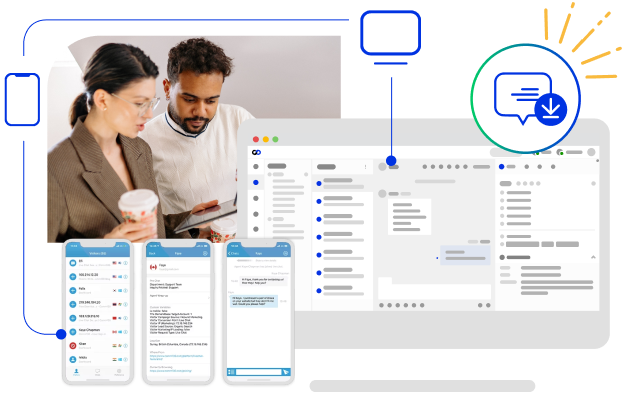
Comm100 live chat apps let your agents monitor visitors, answer chats, and handle tickets from the web, a Windows or Mac desktop, or an iPhone, iPad, or Android device. Every app is free. Choose the ones that fit how your team works, at the office, at home, or on the go – whether via web, desktop, or mobile app. Choose which live chat applications work best for you.
Web Chat App
The most popular live chat app download, you can monitor visitors, answer chats and handle tickets on Comm100 via web browser anytime and anywhere. The Comm100 Web Chat App supports all major web browsers, including Google Chrome, Microsoft Edge, Firefox, and Safari. No setup or installation required, and you can use it on any computer with an Internet connection.
Desktop Chat App
The Comm100 Desktop Chat App supports both Windows and Mac, and is free to download. Auto updates make it easy for you to stay up-to-date with the latest version. Both audio and visual alerts are in place to ensure that no incoming chats or new messages will be missed.


Mobile App for iPhone
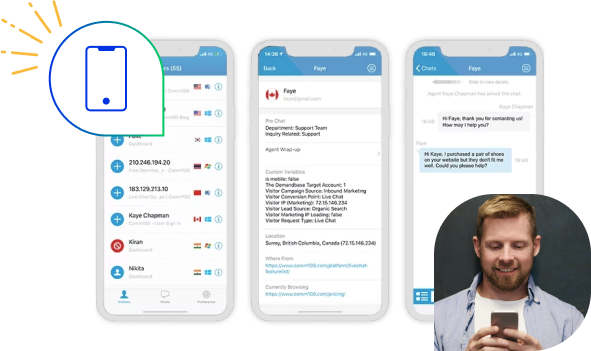
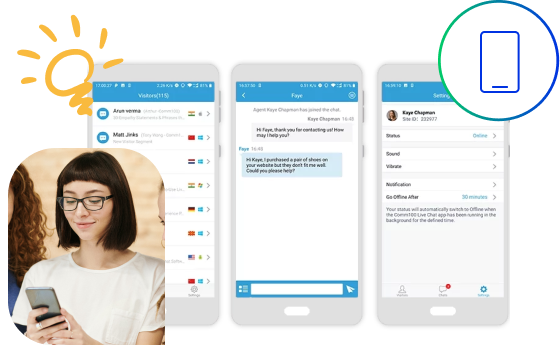
The Comm100 Live Chat mobile app for iPhone is optimized to run on iPhone so you can manage queries on-the-go. It supports push notifications for new visitors, chat requests, responses and other pre-defined events. The app is available for free on the App Store.

Mobile App for iPad
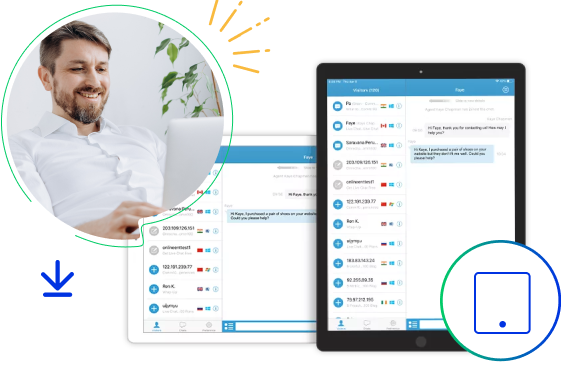
The Comm100 Live Chat App for iPad has an intuitive interface that supports both portrait and landscape orientations to make online chat on your iPad simple and convenient. Push notifications alert you to incoming visitors, ensuring you never miss a chat. This live chat download is available for free on the App Store.
Mobile App for Android
The Comm100 Live Chat App for Android works on all of your Android-based phones and mobile devices, allowing you to easily monitor and chat online with your visitors as well as set up chat preferences. Comm100’s live chat application for Android is available for free on the Google Play Store.

Frequently Asked Questions
Is the Comm100 live chat app free to download?
Yes. The web, desktop, iPhone, iPad, and Android apps are all free. The desktop app is free to download for Windows and Mac, and the mobile apps are available at no cost on the App Store and Google Play.
What devices and operating systems does the Comm100 live chat app support?
Comm100 offers a web app that runs in any modern browser, a desktop app for Windows and Mac, and mobile apps for iPhone, iPad, and Android. You can monitor visitors, answer chats, and handle tickets from any of them.
Do I need to install anything to use the web chat app?
No. The web chat app runs in your browser with no setup or installation, on any computer with an internet connection. It works in current browsers including Google Chrome, Microsoft Edge, Firefox, and Safari.
How will I know when a new chat comes in?
The desktop app uses both audio and visual alerts so incoming chats and new messages are not missed. The iPhone, iPad, and Android apps use push notifications for new visitors, chat requests, and responses.
How do I install or uninstall the Comm100 apps?
Step-by-step install and uninstall instructions for the desktop and mobile apps are in the Comm100 knowledge base. The link appears under each app on this page.
Experience the power of people-first, AI-powered customer service.
Get started today!