
Comm100 vs. Zoho Desk
Complex Setup. Short Trial Period. Sound Familiar?
30-day free trial (no CC required). Works right out of the box. Access the full Comm100 platform from day one, with guided onboarding.
What Customers Say About
Comm100
Best-in-class support
Reviewers point to Comm100’s around-the-clock support from knowledgeable people who know the product well.
Easy to setup and launch
Reviewers say Comm100 is quick to add to a website and intuitive for agents from the start.
Diverse feature set
Reviewers describe a platform that pairs ease of use with a strong set of AI features.
Clean, customizable interface
Reviewers find both the chat window and the agent dashboard intuitive and easy to work with.
What Customers Say About
Zoho Desk
Unreliable customer service
Reviewers report support issues that stayed unresolved for months, with little follow-up communication.
Overly complex
Reviewers say setup and configuration take more effort than expected to get Zoho Desk working the way they need.
Poorly designed interface
Reviewers describe the interface as unintuitive and difficult to customize.
Blink-and-miss trial period
Reviewers find the trial period too short to properly test the platform against day-to-day operations.
Stop Struggling with Complex Setup and Limited AI — Move to Comm100 and Deliver Smarter, Faster Customer Service
Comm100 vs. Zoho Desk: Feature Comparison
Feature |  |  |
AI Capabilities | Comprehensive AI Suite featuring six products: AI Agent, AI Copilot, AI Insights, AI Knowledge, AI Training, and AI Quality Assurance. | Zia AI assistant. Generative AI requires a separate OpenAI API key with usage-based billing. Full Zia features require Enterprise tier. |
Setup & Implementation | Deploys without dedicated IT or third-party consultants. Guided onboarding and a dedicated CSM on Plus and Ultra plans. | Steep learning curve to setup with limited onboarding support. Advanced automations and reporting require additional configuration. |
Channels | Live chat, email, SMS, social (Facebook, X, Instagram, WhatsApp, Telegram), LINE, WeChat, Voice, and Queue Management for physical and virtual wait lines. | Email, phone, live chat, social media (Facebook, X, Instagram), web forms, and messaging apps. No native voice bot. No queue management for physical locations. |
Security & Compliance | SOC 2 Type II, HIPAA, PCI DSS, ISO 27001. On-premises deployment option. Credit card masking, SSO, and role-based access. Compliance enabled by default. | SOC 2 Type II, SOC 2 + HIPAA, ISO 27001. HIPAA compliance requires manual configuration and is not enabled by default. No PCI DSS for Zoho Desk. No on-premises deployment option. |
Reporting & Analytics | Real-time reporting for all tiers, plus AI Insights provides sentiment analysis, topic detection, trend forecasting, and critical issue spotlighting. AI QA auto-scores every conversation. |
Built-in dashboards for ticket volume, response times, and SLA tracking. Deeper custom reporting requires higher-tier plans.
|
Industry Focus | Purpose-built for regulated industries: higher education, iGaming, healthcare, government, and financial services. |
General-purpose help desk for businesses of all sizes and industries. Strong within the Zoho ecosystem (CRM, Analytics, Projects). |
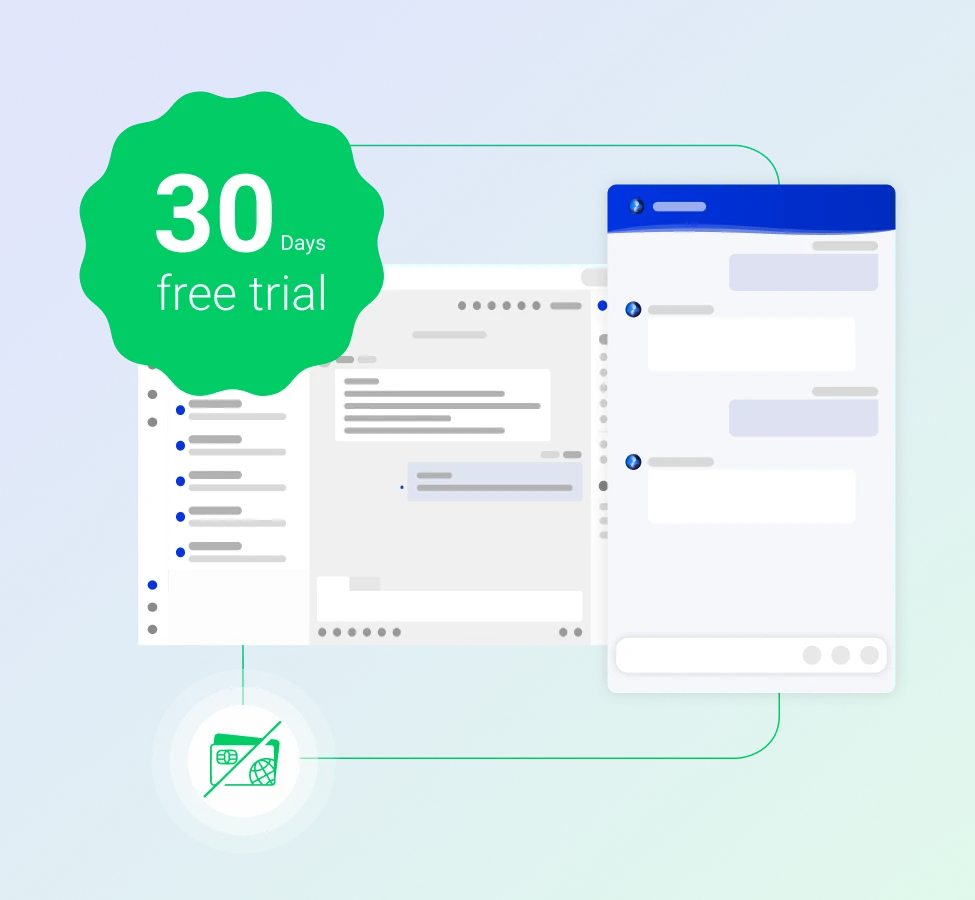
Try Comm100 for 30 Days Before You Decide
Comm100 offers a full 30-day free trial with no credit card required. That's twice the runway Zoho Desk gives you to test workflows, configure routing, and see how AI automation performs with your actual support volume. Take a month to decide!
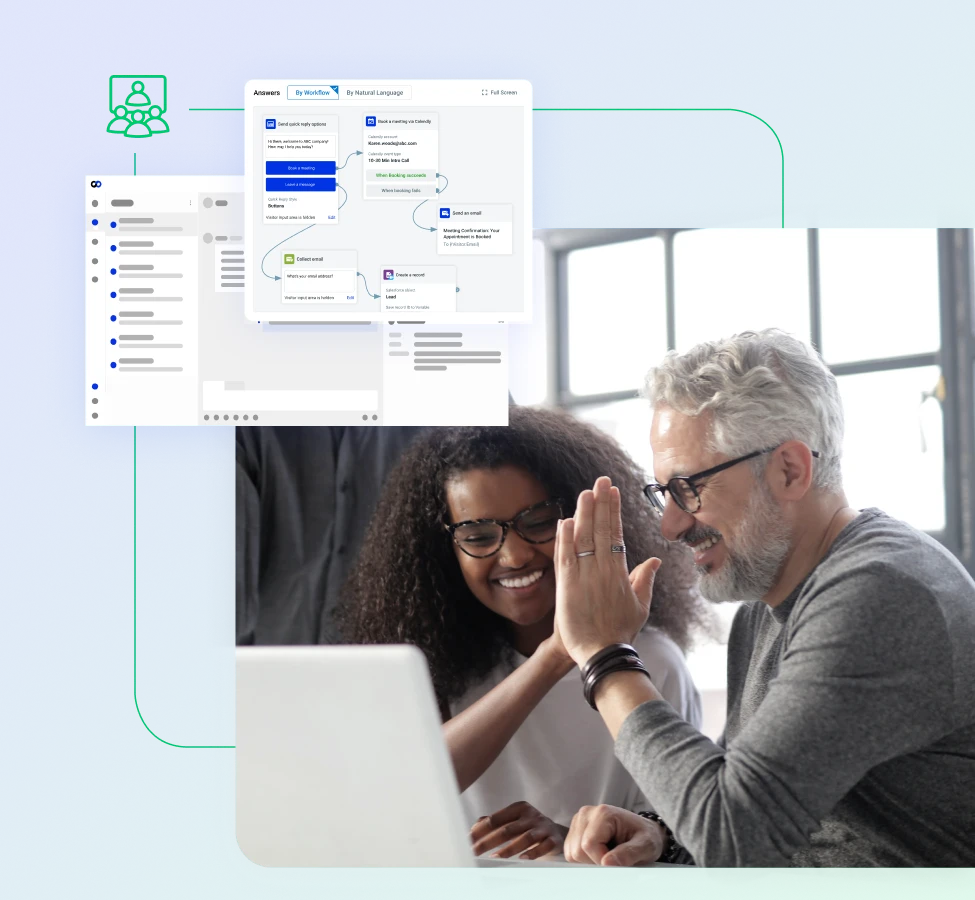
Simplified Onboarding and Deployment
Comm100 deploys without dedicated IT resources. Your team controls workflows, routing, and AI configuration from a single console. We also offer dedicated onboarding sessions and support with our AI engineers, so your team can get the best out of the platform from day one.
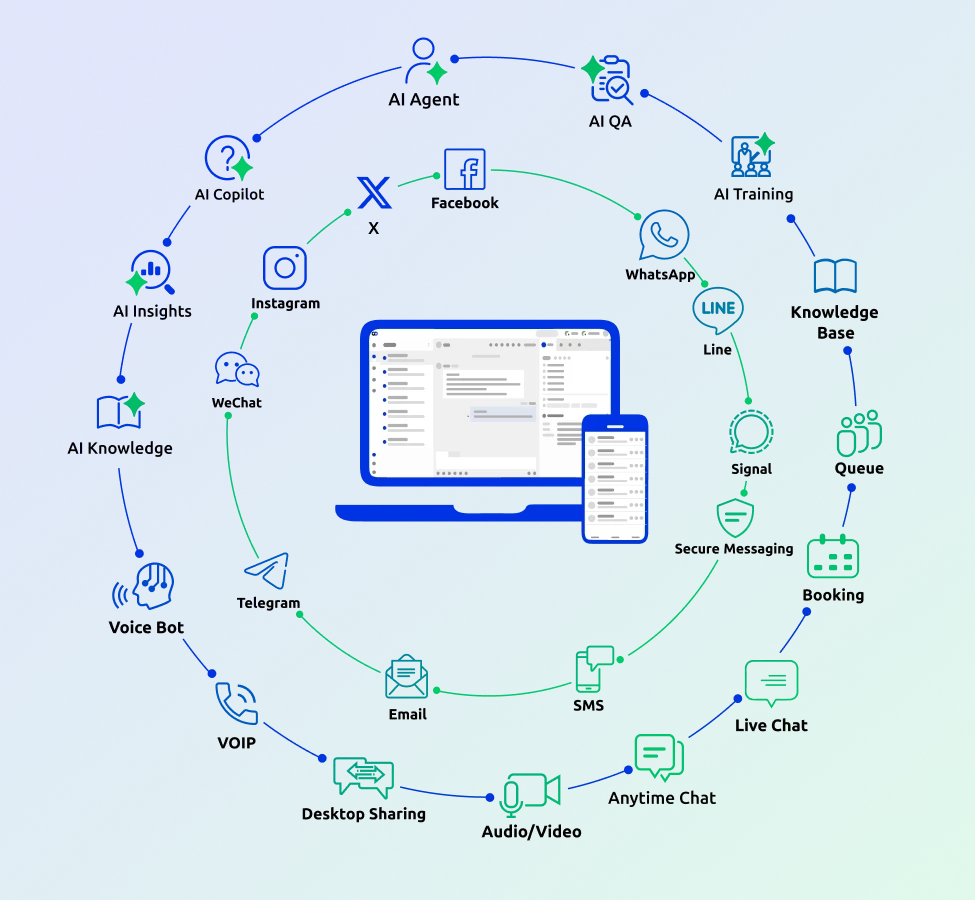
One Console for Every Channel
Support tools only work if agents can navigate them without a training manual. Comm100's interface puts the essentials front and center:
- Unified agent console for live chat, email, social, SMS, and voice
- Customer context and conversation history displayed alongside the active ticket
- AI-generated response suggestions delivered in the flow of work
- Supervisor dashboards with real-time agent and queue metrics built in
Customers Move from Zoho Desk to Comm100 for Better Support
“I would highly recommend Comm100 completely. It’s magical what they do. ”

“Switching to Comm100 Live Chat was a no-brainer for us. Accessing data from chat is critical to us, and we quickly realized that Comm100 Live Chat’s reporting capabilities were so much better. The price of Comm100 is much more agreeable too. We are so glad we made the upgrade to Comm100.”

“Comm100 was the most engaging company in terms of understanding our needs. They offered us a dedicated server and tech team to handle the migration.”

“Onboarding and setup from Comm100 and the service was good… it was the attention from Comm100’s company and the people responsible for onboarding… providing that level of service and attention that we need to get started.”
Seamless Migration Supported by Our Team
Whether you’re just comparing Zoho Desk with Comm100 or planning to migrate, the setup is fast and efficient.
Connect with us today to see why so many companies choose Comm100 over Zoho Desk.