It’s live! Access exclusive 2026 AI live chat benchmarks & see how your team stacks up.
Unlock the insights
It’s live! Access exclusive 2026 AI live chat benchmarks & see how your team stacks up.
Unlock the insights
30-day free trial (no CC required). Works right out of the box. Access the full Comm100 platform from day one, with guided onboarding.
Best-in-class support
“24/7, knowledgeable customer support that does not give robotic responses and actually know their product really well.”
Easy to setup and launch
“The Comm100 platform is easy to set up on your webpage and very intuitive to use.”
Diverse feature set
“The system is very easy to use and offers strong AI features.”
Clean, customizable interface
“Very easy to use and intuitive design. Both the chat client and the dashboard are easy to use.”
Unreliable customer service
“7+ months without resolution – broken promises, no communication, no refund.”
Overly complex
“Setup and configuration took more effort than expected. We could make it work, but it wasn’t straightforward to get it working exactly the way we wanted.”
Poorly designed interface
“The user interface is really not user friendly or pretty… you cannot customize or change the user interface so you’re stuck with their settings.”
Blink-and-miss trial period
“The trial period felt too short to properly evaluate how well the platform could support day-to-day operations.”
Stop Struggling with Complex Setup and Limited AI — Move to Comm100 and Deliver Smarter, Faster Customer Service
Feature |  |  |
AI Capabilities | Comprehensive AI Suite featuring six products: AI Agent, AI Copilot, AI Insights, AI Knowledge, AI Training, and AI Quality Assurance. | Zia AI assistant. Generative AI requires a separate OpenAI API key with usage-based billing. Full Zia features require Enterprise tier. |
Setup & Implementation | Deploys without dedicated IT or third-party consultants. Guided onboarding and a dedicated CSM on Plus and Ultra plans. | Steep learning curve to setup with limited onboarding support. Advanced automations and reporting require additional configuration. |
Channels | Live chat, email, SMS, social (Facebook, X, Instagram, WhatsApp, Telegram), LINE, WeChat, Voice, and Queue Management for physical and virtual wait lines. | Email, phone, live chat, social media (Facebook, X, Instagram), web forms, and messaging apps. No native voice bot. No queue management for physical locations. |
Security & Compliance | SOC 2 Type II, HIPAA, PCI DSS, ISO 27001. On-premises deployment option. Credit card masking, SSO, and role-based access. Compliance enabled by default. | SOC 2 Type II, SOC 2 + HIPAA, ISO 27001. HIPAA compliance requires manual configuration and is not enabled by default. No PCI DSS for Zoho Desk. No on-premises deployment option. |
Reporting & Analytics | Real-time reporting for all tiers, plus AI Insights provides sentiment analysis, topic detection, trend forecasting, and critical issue spotlighting. AI QA auto-scores every conversation. |
Built-in dashboards for ticket volume, response times, and SLA tracking. Deeper custom reporting requires higher-tier plans.
|
Industry Focus | Purpose-built for regulated industries: higher education, iGaming, healthcare, government, and financial services. |
General-purpose help desk for businesses of all sizes and industries. Strong within the Zoho ecosystem (CRM, Analytics, Projects). |
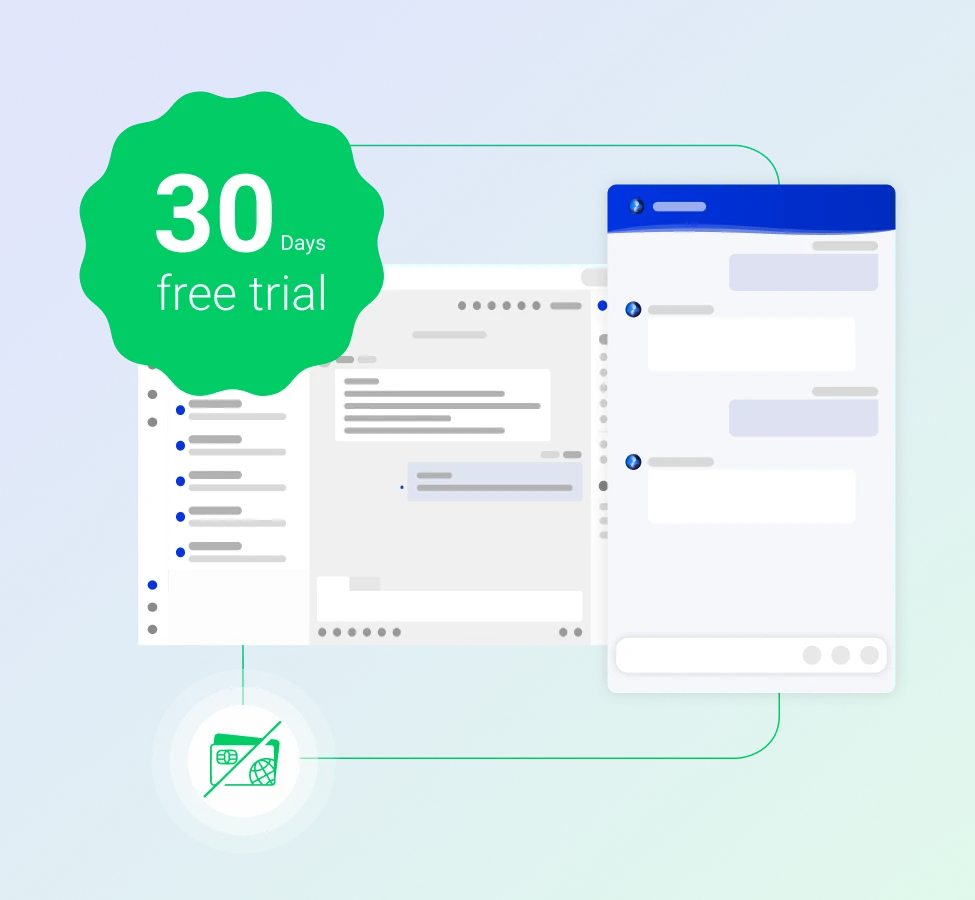
Comm100 offers a full 30-day free trial with no credit card required. That's twice the runway Zoho Desk gives you to test workflows, configure routing, and see how AI automation performs with your actual support volume. Take a month to decide!
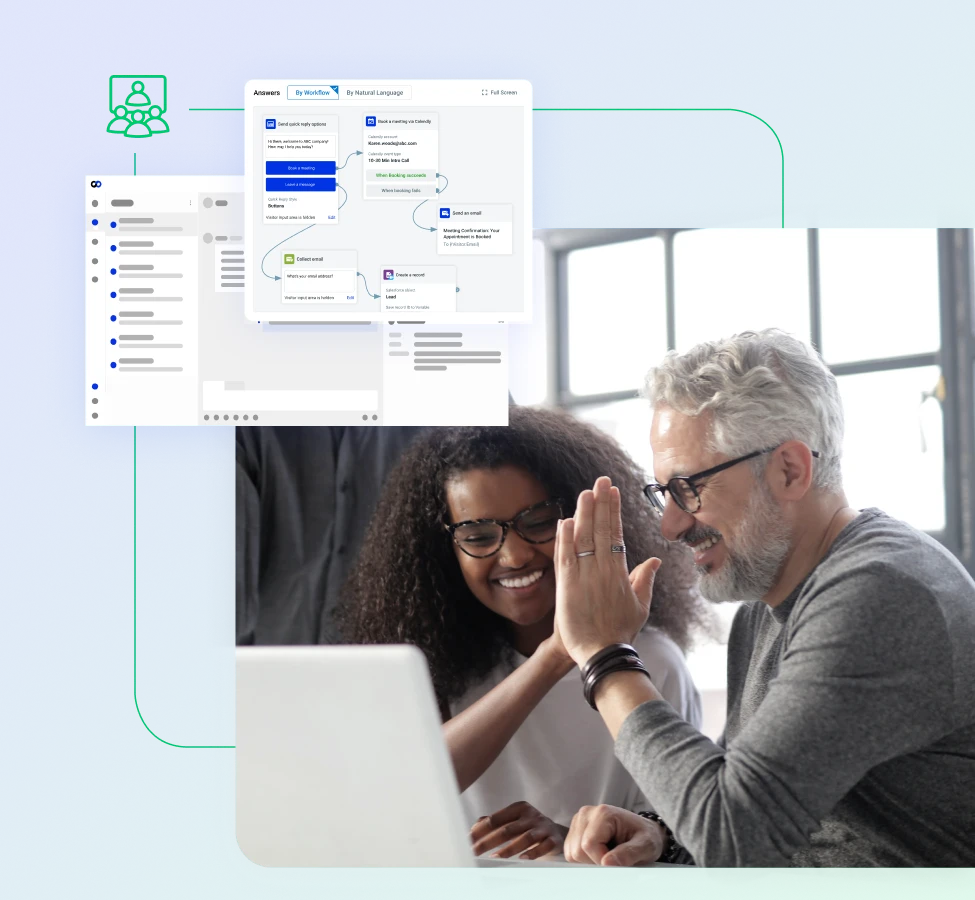
Comm100 deploys without dedicated IT resources. Your team controls workflows, routing, and AI configuration from a single console. We also offer dedicated onboarding sessions and support with our AI engineers, so your team can get the best out of the platform from day one.
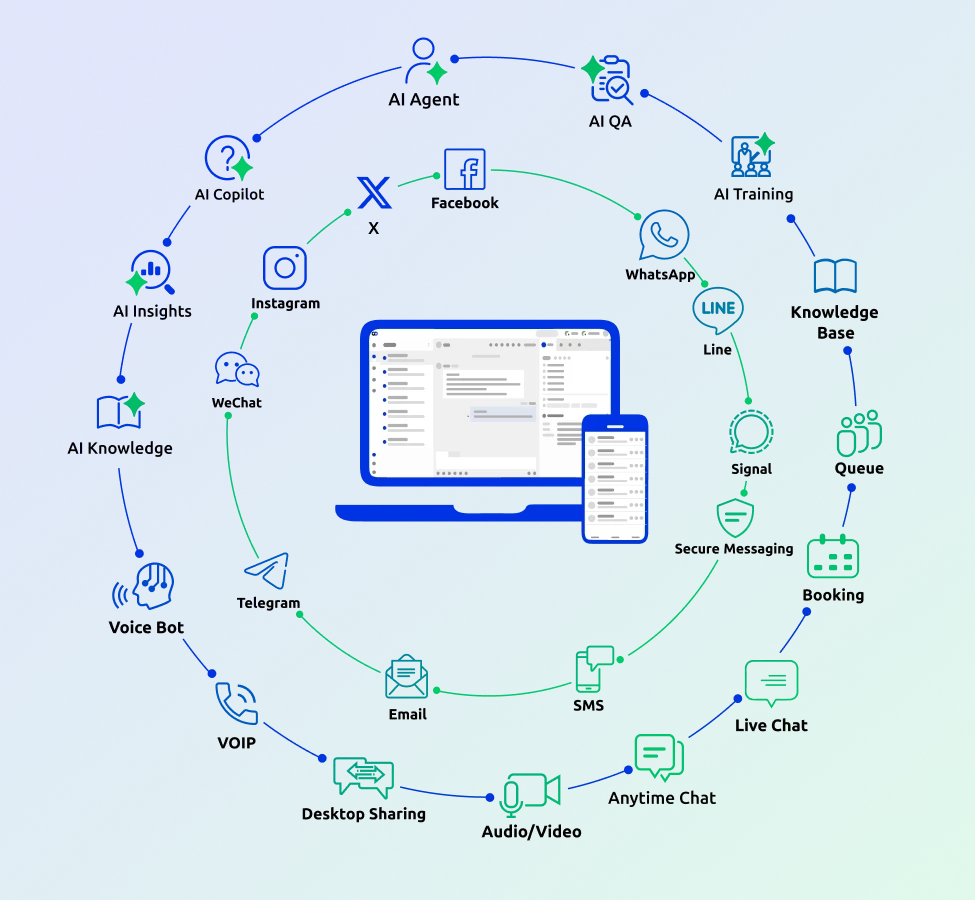
Support tools only work if agents can navigate them without a training manual. Comm100's interface puts the essentials front and center:
“I would highly recommend Comm100 completely. It’s magical what they do. ”

“Switching to Comm100 Live Chat was a no-brainer for us. Accessing data from chat is critical to us, and we quickly realized that Comm100 Live Chat’s reporting capabilities were so much better. The price of Comm100 is much more agreeable too. We are so glad we made the upgrade to Comm100.”

“Comm100 was the most engaging company in terms of understanding our needs. They offered us a dedicated server and tech team to handle the migration.”

“Onboarding and setup from Comm100 and the service was good… it was the attention from Comm100’s company and the people responsible for onboarding… providing that level of service and attention that we need to get started.”
Seamless Migration Supported by Our Team
Whether you’re just comparing Zoho Desk with Comm100 or planning to migrate, the setup is fast and efficient.
Connect with us today to see why so many companies choose Comm100 over Zoho Desk.