
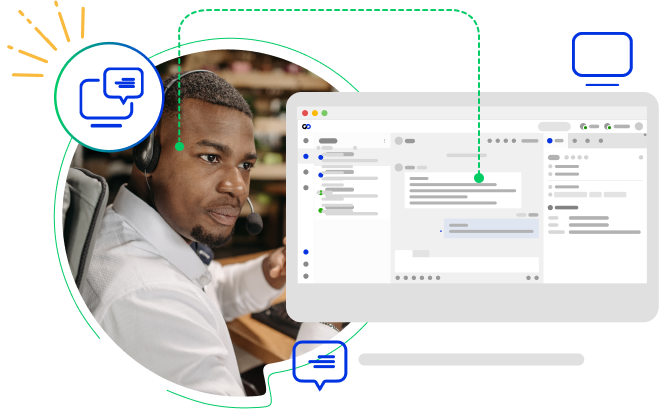
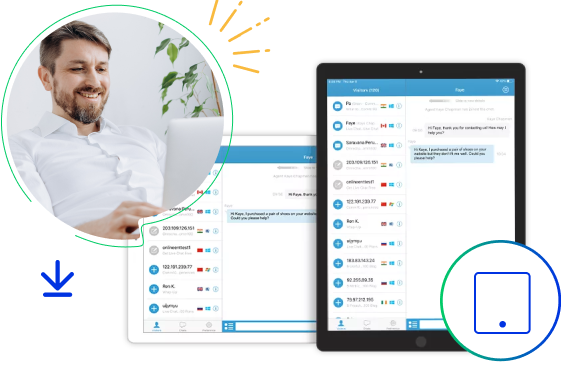
The Comm100 agent console desktop app lets you manage tickets and chats from your computer. The desktop chat app offers all the features of the web app and more, letting you monitor visitors in real time, chat with visitors on your side, collaborate with other agents, as well as handle tickets from every key channel.
Sound and Pop-Up Notifications
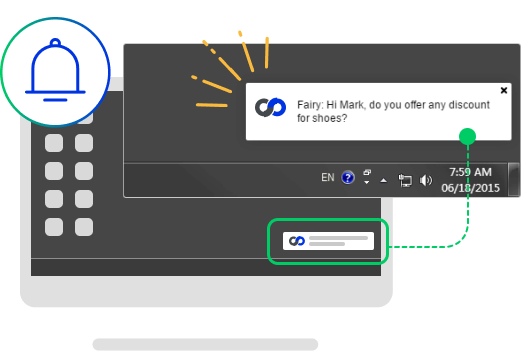
Just like the web app, the live chat desktop application supports sound and pop-up notifications for new visitors, chats, responses and other events. Instant notifications ensure you can respond to visitors quickly so no opportunities or requests are missed.
Auto Startup/Logout
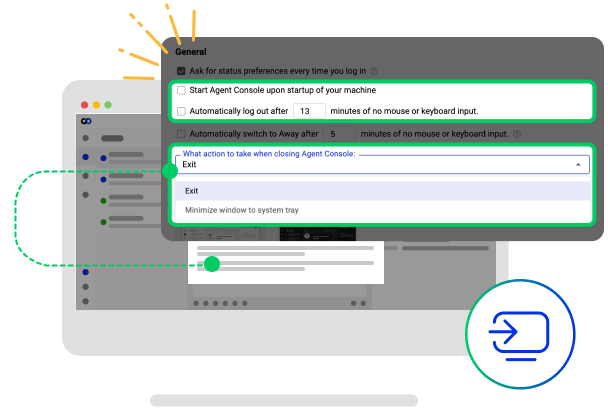
Auto start your Comm100 agent console every time your computer starts and avoid the hassle of running it again manually. Also, if your mouse and keyboard stay idle for a predefined period of time, you are automatically logged out from your Comm100 account.
Auto Away
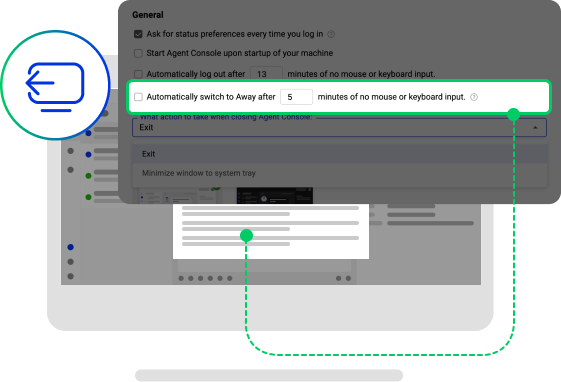
Missing a visitor’s chat request can mean missed sales or service opportunities. The desktop chat app prevents this by allowing your status to be set to Away automatically after being idle for a pre-defined period of time. While your status is set to Away, no incoming chats are sent to you and visitors are able to leave a message.
Auto Update
Comm100’s live chat desktop app downloads and installs updates automatically whenever there is a new version available. Installations of new updates are seamless and quick, and no uninstallation of older versions are required to keep your desktop app up to date.


Frequently Asked Questions
What is the Comm100 desktop chat app?
The Comm100 desktop chat app is a downloadable version of the agent console for Windows and Mac. It has all the features of the web app and more, so agents can monitor visitors, chat, collaborate, and handle tickets from one application on their computer.
Which operating systems does the desktop chat app support?
The desktop chat app is available for Windows and Mac, and both versions are free to download from this page.
Is the Comm100 desktop chat app free?
Yes. The Windows and Mac versions are both free to download. You sign in with your existing Comm100 account.
How does the desktop app alert agents to new chats?
It uses sound and pop-up notifications for new visitors, chats, responses, and other events, so agents can respond quickly and avoid missing requests even when the app is in the background.
Does the desktop app update itself?
Yes. The app downloads and installs new versions automatically whenever one is available, with no need to uninstall the older version first.
How is the desktop app different from the web app?
The desktop app has all the web app’s features plus desktop-specific ones: auto startup and logout, auto-away when your mouse and keyboard are idle, and automatic updates. The web app runs in a browser with no installation.
Experience the power of people-first, AI-powered customer service.
Get started today!