
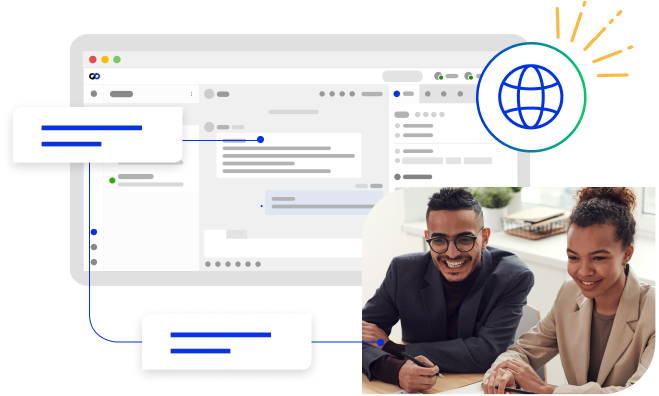
Comm100’s web chat app lets you use your preferred web browser to chat with your visitors and customers instantly, as well as handle tickets from every key channel efficiently and securely.
Cross-Browser Compatible
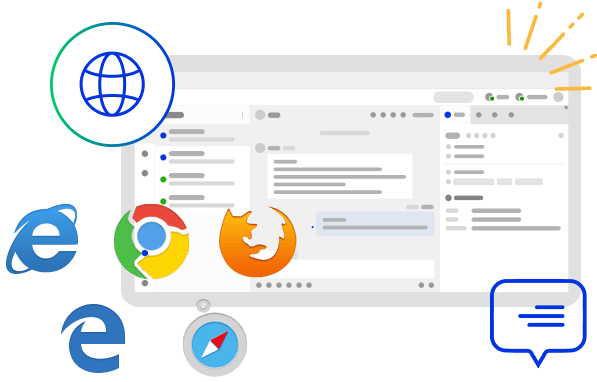
The Comm100 web chat app is fully compatible with all major web browsers, including Internet Explorer, Microsoft Edge, Google Chrome, Firefox, and Safari.
Always Up-to-Date
Comm100’s web based chat application always automatically updates to the latest version to ensure you have access to all the benefits included in each new revision or release.
Auto Login and Preferences
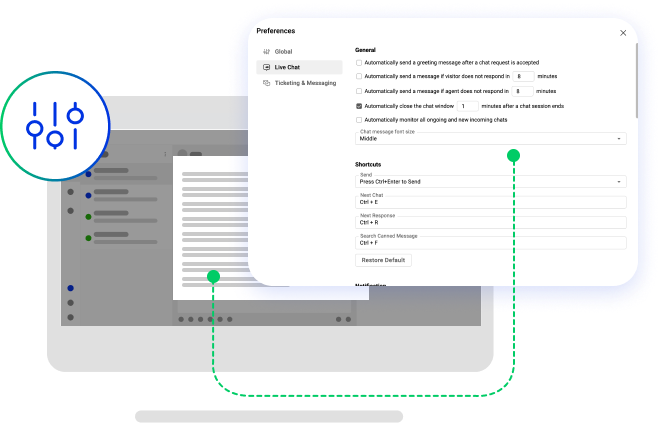
Set preferences quickly and conveniently with Comm100’s web based chat app. Preferences for settings such as keyboard shortcuts, sound & popup notifications, visitor data fields displayed in your agent console and other are all configurable in the web app. Additionally, auto login is supported, which means you can access the system fast without entering a username and password.
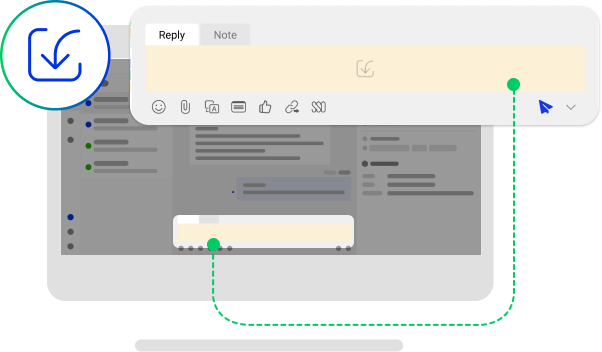
Chat Tools
The agent web chat app includes handy chat tools to improve your chat efficiency. Using the built-in tools helps you handle multiple concurrent chats easily.
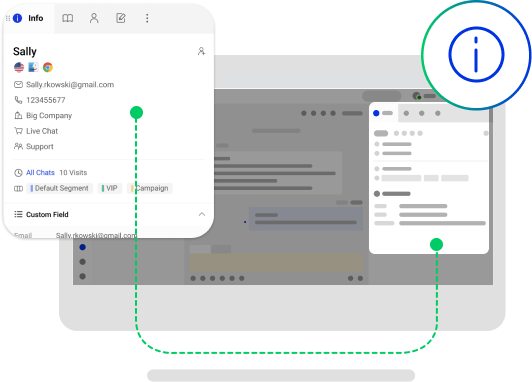
Real Time Visitor Monitor
Monitor visitor details such as identity and geographic information in real time inside your agent console. Instant access to pertinent details about your visitors enables you to better understand them and personalize services.
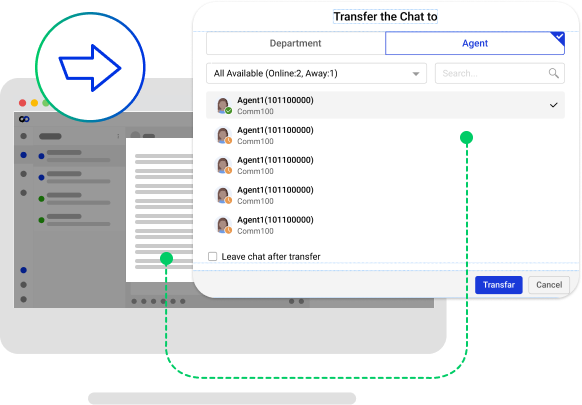
Team Collaboration
When you need help from a team member, you can transfer a chat to a colleague or mention him/her with Internal Note. Alternatively, you can initiate an internal chat with a colleague without leaving the session with your visitor. Transfers, internal chats and internal notes enable you to collaborate with other agents to maximize the power of your team and provide better service and support.
Frequently Asked Questions
What is the Comm100 web chat app?
The Comm100 web chat app is the agent console running in your web browser. Agents can chat with visitors, handle tickets from every key channel, monitor visitors in real time, and collaborate with teammates, all without installing software.
Do I need to install the web chat app?
No. The web chat app runs in your browser, so there is nothing to download or install. You open it and sign in with your Comm100 account, and auto login lets you get in without re-entering your username and password.
Which browsers does the web chat app support?
The web chat app works in all major browsers, including Microsoft Edge, Google Chrome, Firefox, and Safari.
Is the web chat app always up to date?
Yes. The web app updates to the latest version automatically, so agents always have the newest features and fixes with nothing to maintain.
Can I monitor visitors and collaborate with my team in the web app?
Yes. Agents can monitor visitor details such as identity and location in real time, and collaborate through chat transfers, internal chats, and internal notes without leaving the visitor session.
What is the difference between the web app and the desktop app?
The web app runs in a browser with no installation and updates automatically. The desktop app adds desktop-specific features like sound and pop-up notifications, auto startup and logout, and auto-away. Many teams use both.
Experience the power of people-first, AI-powered customer service.
Get started today!