
The Comm100 Webex Contact Center Integration
Handle Webex Calls and Comm100 Digital Channels from One Agent Screen
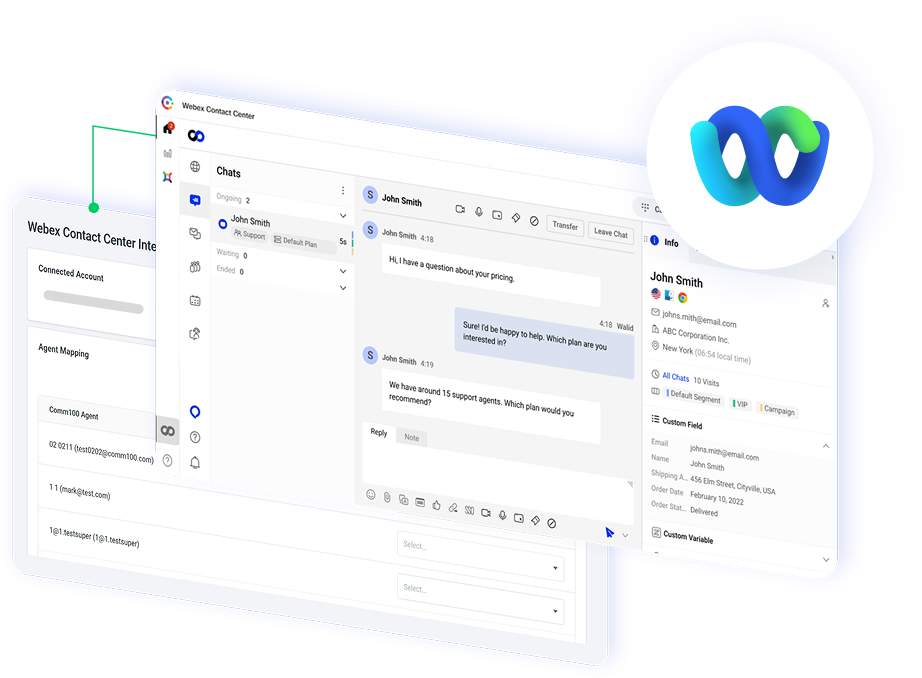
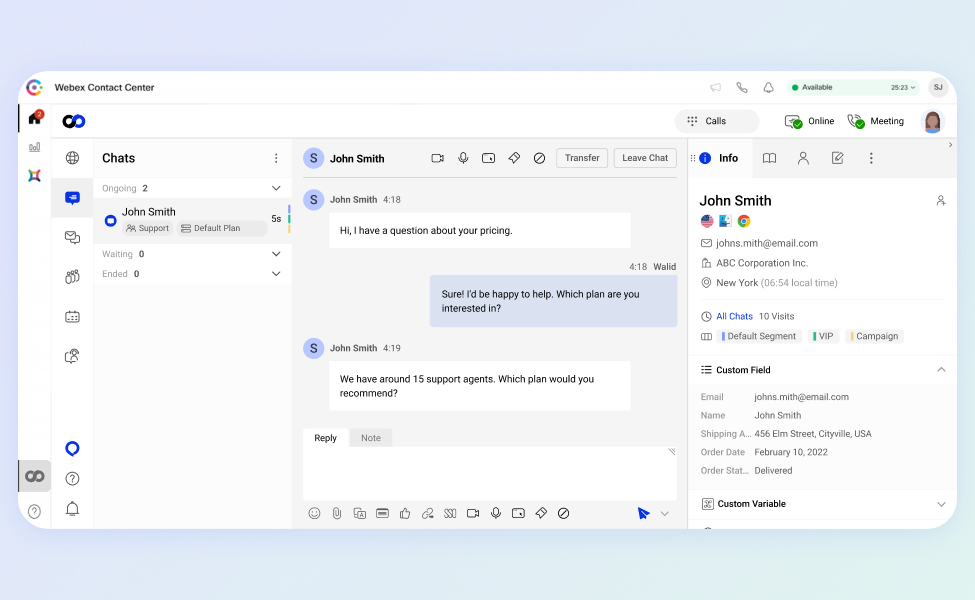
Bring Comm100 Live Chat, AI, and digital channels into the Webex Contact Center agent desktop, so your team works voice and digital conversations in a single interface instead of switching between two systems.




















Keep Voice and Digital Routing in Sync
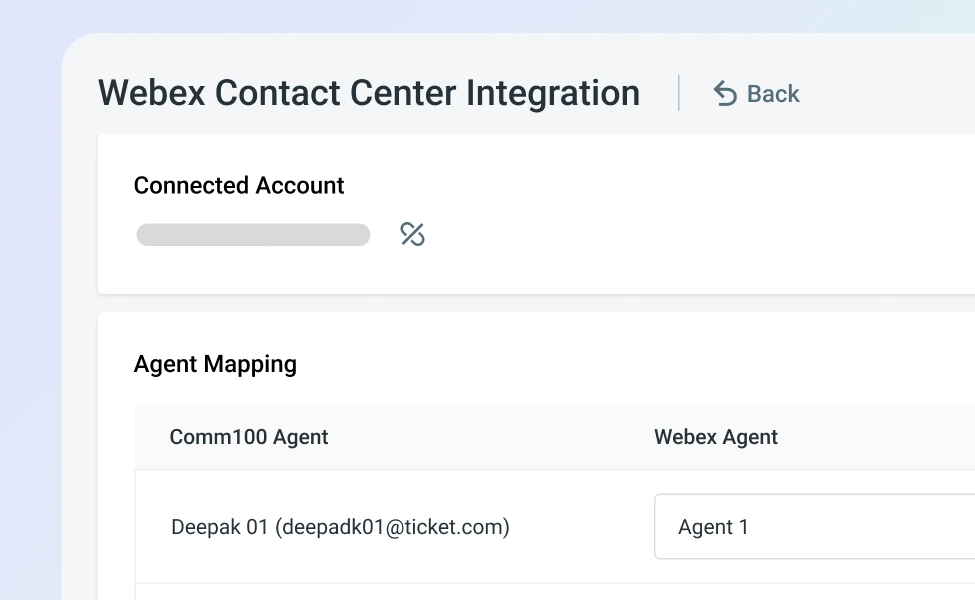
Link agent states between Comm100 and Webex Contact Center so an agent on a live call is not handed an incoming chat at the same moment.
Routing reflects what each agent is actually doing. Wait times stay honest, and no one gets pulled in two directions at once.
Resolve Routine Questions with AI
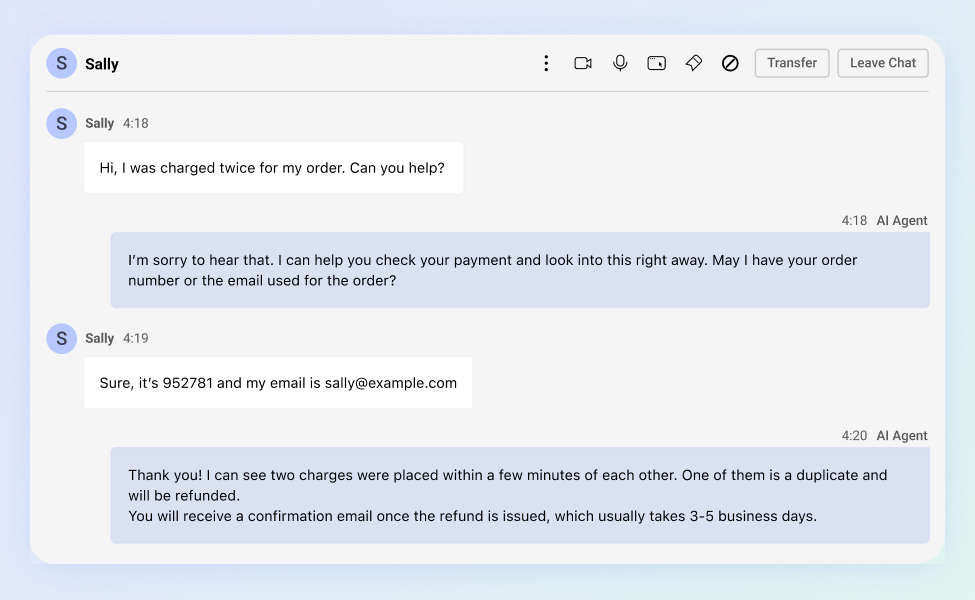
The Comm100 AI Agent answers common digital inquiries on its own, and AI Copilot drafts replies and surfaces knowledge-base answers while agents work.
Your voice team spends less time on repetitive questions and more time on the calls that actually need a person.
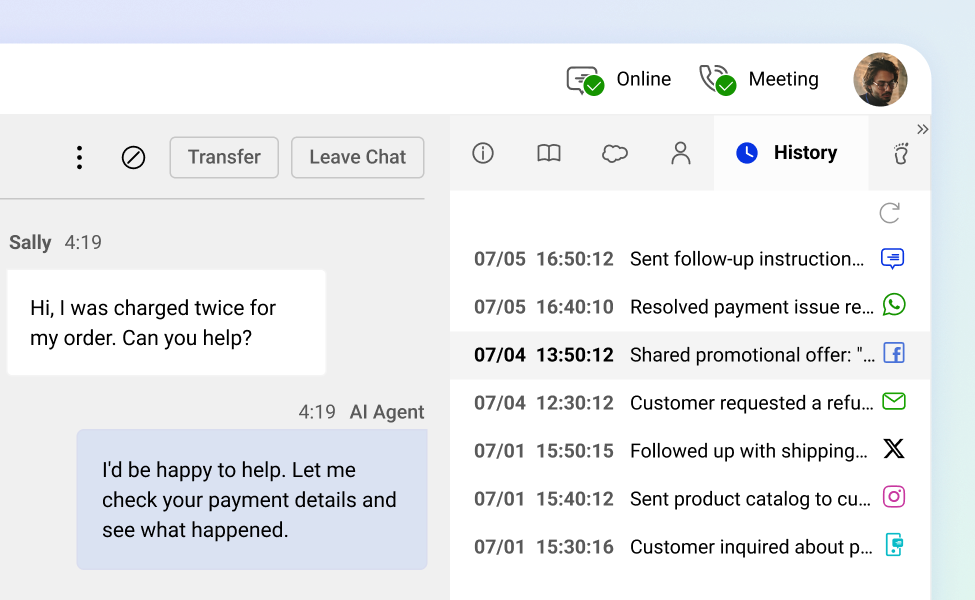
Give Agents the Full Customer History
When a call or chat reaches an agent, they see that customer’s past interactions across voice and digital channels in one profile.
Agents pick up where the last conversation left off, so customers are not asked to repeat themselves every time they reach out.
Frequently Asked Questions
How does Comm100's Webex Contact Center integration work?
What do I need to use Comm100 with Webex Contact Center?
You need a Webex Contact Center account and a Comm100 account with the digital channels and AI products you want to run. The Comm100 console is added to the Webex Contact Center agent desktop during setup, and your Comm100 team can walk through the configuration for your environment.
Can an agent be assigned a call and a chat at the same time?
Not if you link agent states. The integration can sync availability between Comm100 and Webex Contact Center, so when an agent picks up a call they are marked unavailable for digital conversations, and the reverse. You decide whether to turn this on.
Does the Comm100 AI Agent work in a Webex Contact Center setup?
Yes. The Comm100 AI Agent handles routine digital inquiries automatically and escalates to a human agent when needed. It pulls answers from your knowledge base or uploaded documents, the same way it works on live chat and other Comm100 channels.
Will agents see customer history from both voice and digital channels?
Yes. Agents view a customer’s interaction history across the connected channels from a single contact profile, so they have context whether the customer called first or messaged first.
Experience the power of people-first, AI-powered customer service.
Get started today!