
Features | Personalization
Post-Chat Survey
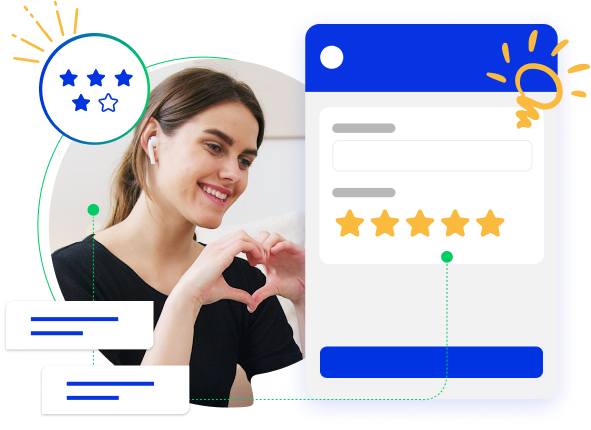
Comm100 Live Chat allows you to gain insights into customer satisfaction with the services they received by letting them complete a post-chat survey after chatting, which helps you gain valuable feedback and improve service quality.
Comm100 Live Chat allows you to gain insights into customer satisfaction with the services they received by letting them complete a post-chat survey after chatting, which helps you gain valuable feedback and improve service quality.
Design your own survey
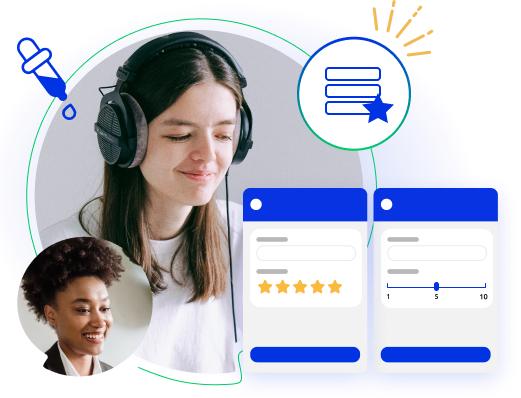
The post-chat survey is customizable per your needs. You can design different questions to obtain detailed feedback on your service from visitors. Field types include text, radio box, check box, drop-down list and more.
Net promoter score survey
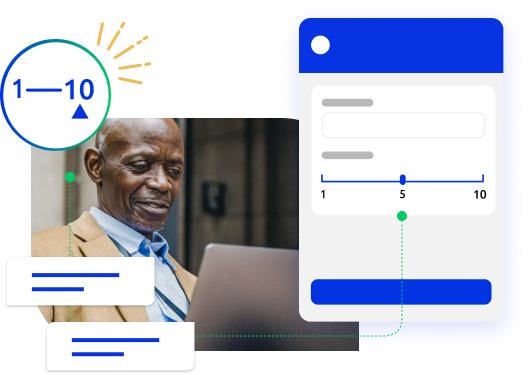
From 0 to 10, how likely is it that you would recommend our company/product/service to a friend or colleague? It’s just one question, but it’s all you need to measure the loyalty of your customer base and calculate your Net Promoter Score. Comm100 has a prebuilt NPS survey which can be easily added to your post-chat window and tracked in our Post Chat Survey Report.
Rating and comments
Rating and comments are available in the post-chat survey, and you can ask visitors to rate your live chat operators and leave comments on your service when chats end. You can see how customers are satisfied with your service via rating scores and comments, thus ensuring that you are delivering consistent customer service.
Custom CSS
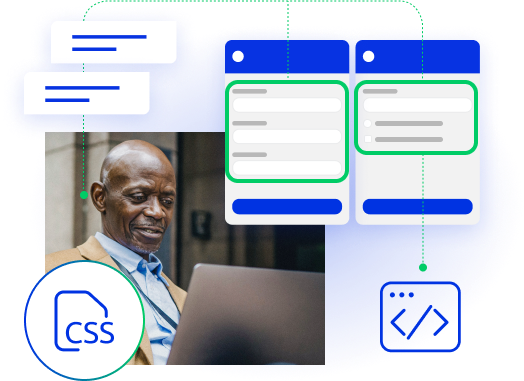
Fully customize the style of your post-chat survey using custom CSS code. For example, you can change the color of the greeting message that appears on your post-chat survey window, add a background image for the survey, define the style of the survey fields (their font size, name, color, etc.), and more.
Custom JavaScript
You can fully control the appearance and content of your post-chat survey by adding custom JavaScript. For example, you can display your existing survey page in the post-chat survey window, or implement interdependent questions in the survey window, where the select field of the first survey question changes the second question.


Rating score report
The rating score report is available at the account, department and operator levels. You can see clearly the rating scores and distribution and also get insight into the service level for each account, department and operator.
Survey question report
The survey question report presents visitor feedback on each of your survey questions, which gives you more detailed information on what satisfies your visitors and what needs to be improved in your live chat service.

Experience the power of people-first, AI-powered customer service.
Get started today!