
The Comm100 WhatsApp Integration
Provide Secure, AI-Powered Customer Service via WhatsApp
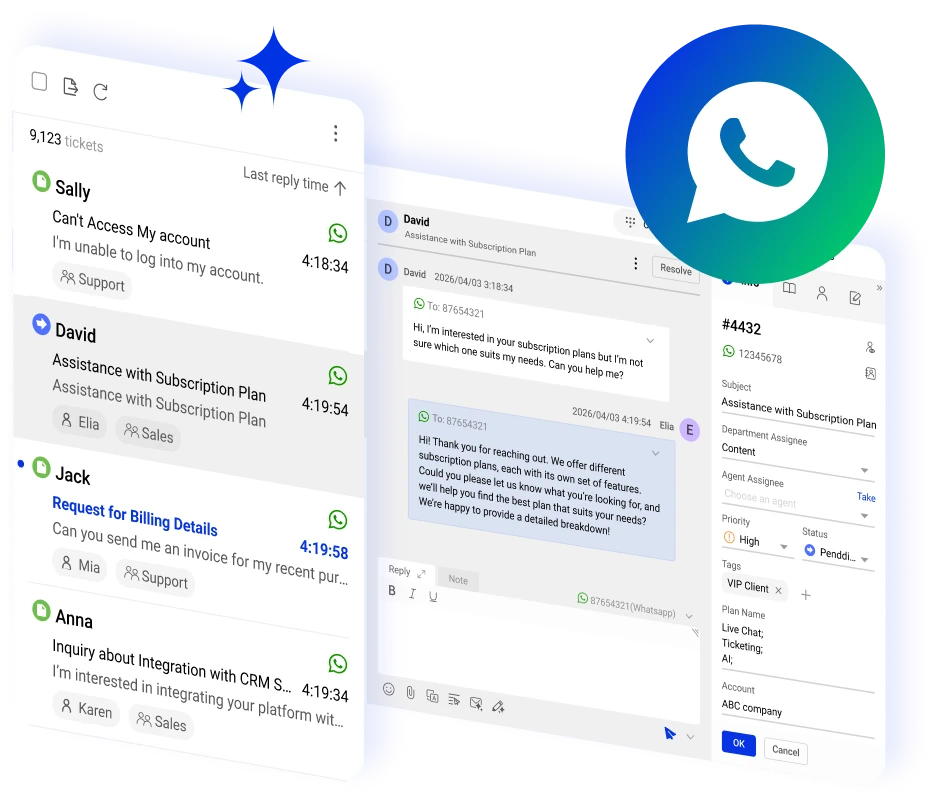




















Manage WhatsApp Support from the Comm100 Agent Console
Connect your WhatsApp Business account directly to Comm100 to manage incoming messages alongside 11 other support channels without switching platforms.
You can also set up the Comm100 AI Agent for WhatsApp to respond to incoming messages automatically.
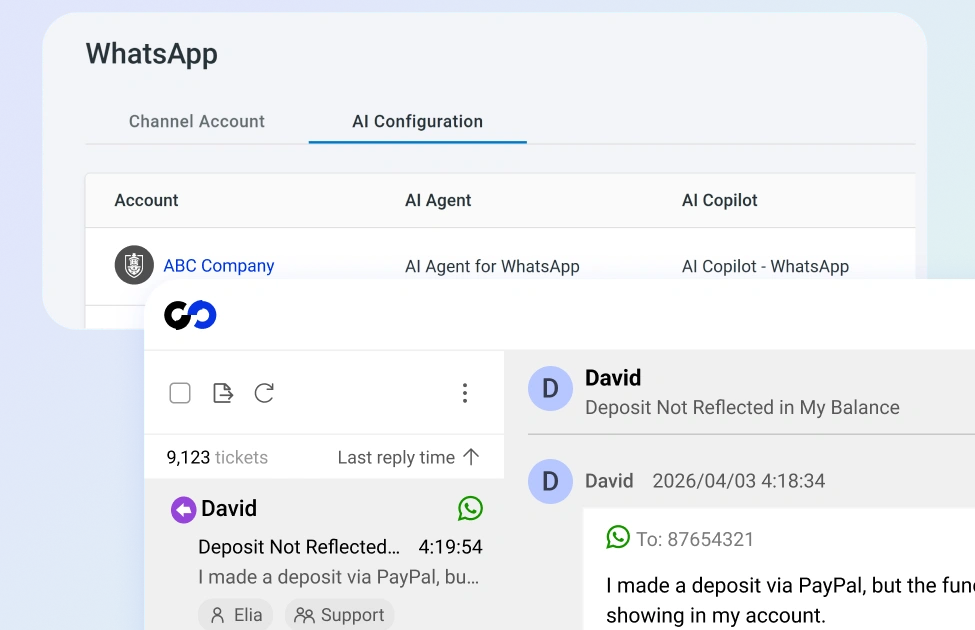
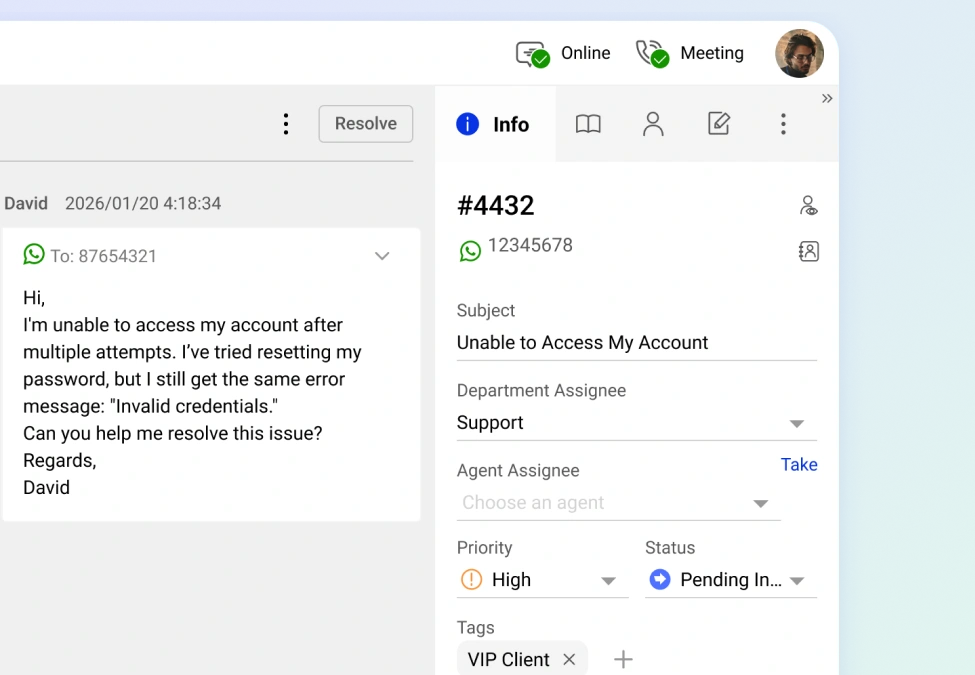
Turn Every Message into a Ticket
The Comm100 WhatsApp integration automates ticketing for WhatsApp, converting each incoming message into a structured ticket with priority levels, tags, and routing rules.
Agents handle WhatsApp conversations from the same queue they use for email, and SMS, with the same workflows and assignment logic.
Automate WhatsApp Responses with AI
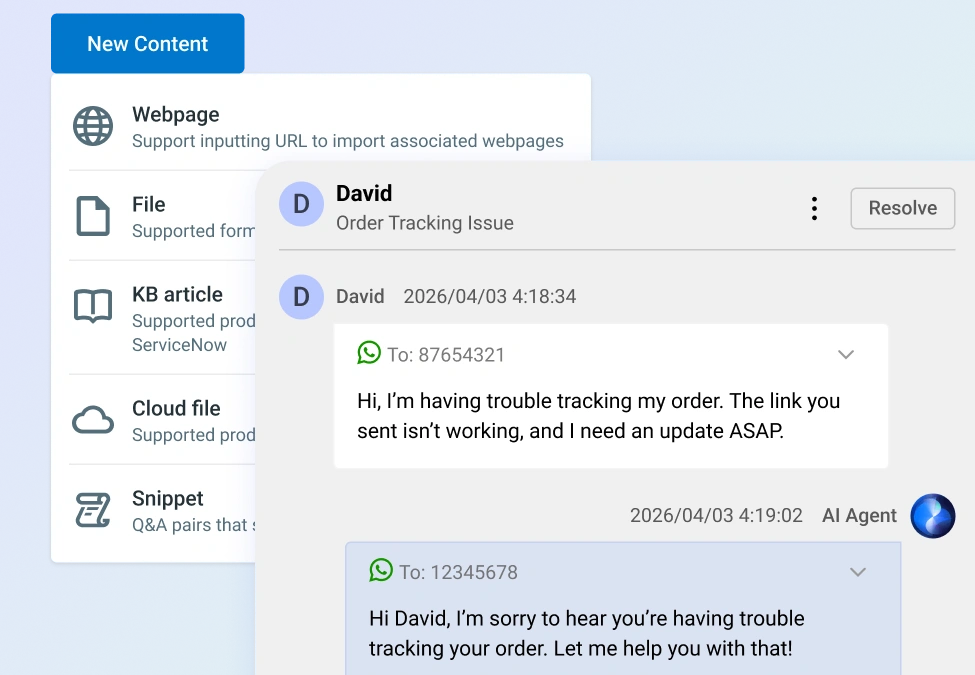
The Comm100 AI Agent resolves common WhatsApp questions automatically, freeing your team for conversations that need a human.
Point it at your website or upload your support docs, and it learns your business well enough to respond accurately on its own. If needed, it can escalate to a human agent.
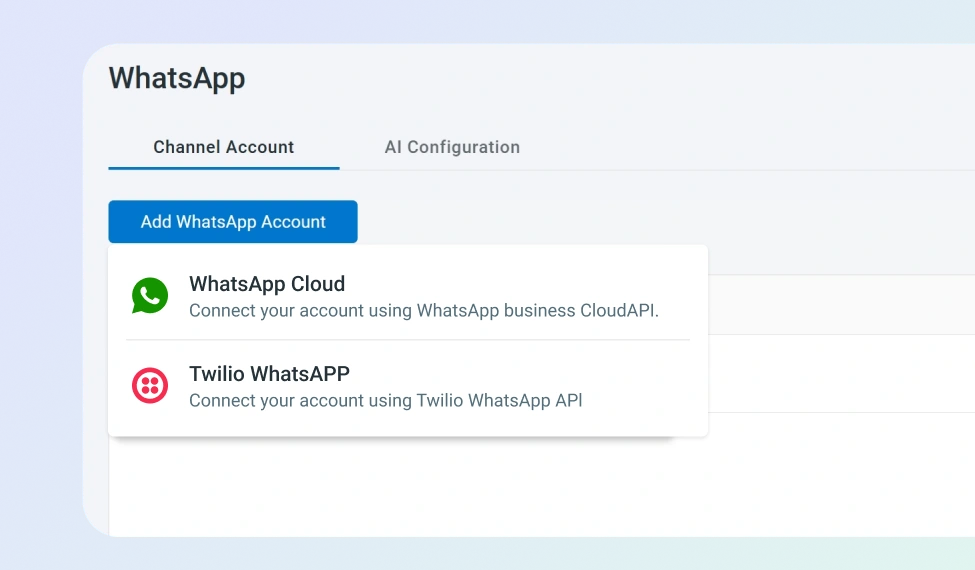
Connect Through the Cloud API or Twilio
Comm100 supports two integration paths , both configurable from your control panel in minutes:
- WhatsApp Cloud API: Connect directly through Meta’s hosted API using your Phone ID and token
- Twilio: Link your existing Twilio WhatsApp number using your Account SID and Auth Token
Frequently Asked Questions
How does Comm100's WhatsApp integration work?
When a customer sends a message to your WhatsApp Business number, Comm100 automatically creates a ticket in your agent console. Agents respond directly from Comm100 without switching to a separate interface with the Comm100 WhatsApp integration. You can also deploy the Comm100 AI Agent on the WhatsApp channel to handle routine inquiries automatically, so common questions get resolved even outside business hours.
What do I need to connect WhatsApp to Comm100?
You need a WhatsApp Business account and can connect through either the WhatsApp Cloud API or a Twilio account. From the Comm100 control panel, navigate to Ticketing & Messaging, select WhatsApp, and enter your account credentials. The integration supports multiple WhatsApp numbers if your business operates across different regions or departments.
Is WhatsApp through Comm100 secure enough for regulated industries?
WhatsApp provides end-to-end encryption on all messages, meaning only the sender and recipient can read the content. Comm100 adds its own compliance and security certifications on top, making the combined solution suitable for industries like banking, healthcare, and government that handle sensitive customer data.
Can the AI Agent respond to WhatsApp messages automatically?
Yes. Our AI Chatbot for WhatsApp works on WhatsApp the same way it does on live chat and other connected channels, letting you automate WhatsApp customer support. It resolves routine inquiries, pulls answers from your knowledge base or uploaded documents, and escalates complex issues to a human agent when needed.
Will WhatsApp conversations show up alongside my other support channels?
Yes. WhatsApp tickets appear in the same unified agent console as live chat, email, SMS, Facebook Messenger, and other channel tickets. Agents can view a customer’s complete interaction history across all channels from a single contact profile, so they have full context regardless of how the conversation started.
Experience the power of people-first, AI-powered customer service.
Get started today!