
The Comm100 Slate Integration
Connect Slate to Comm100 for Faster Admissions and Student Support
Connect Slate to Comm100 so your admissions and student services teams answer application questions, handle event inquiries, and work with student data during live chats and tickets, without leaving the Comm100 agent console.
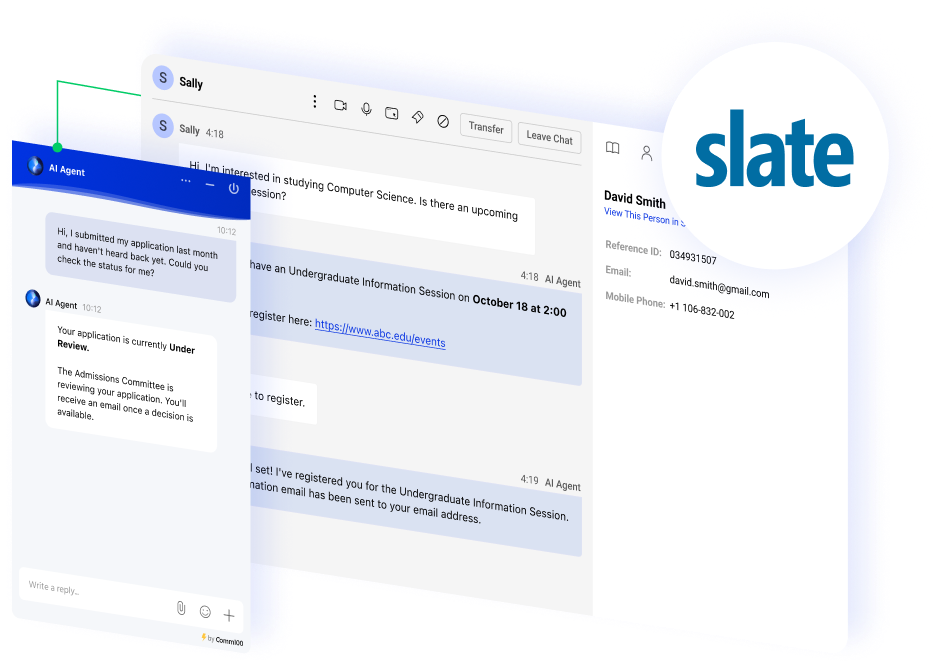




















Give Agents Student Context from Slate
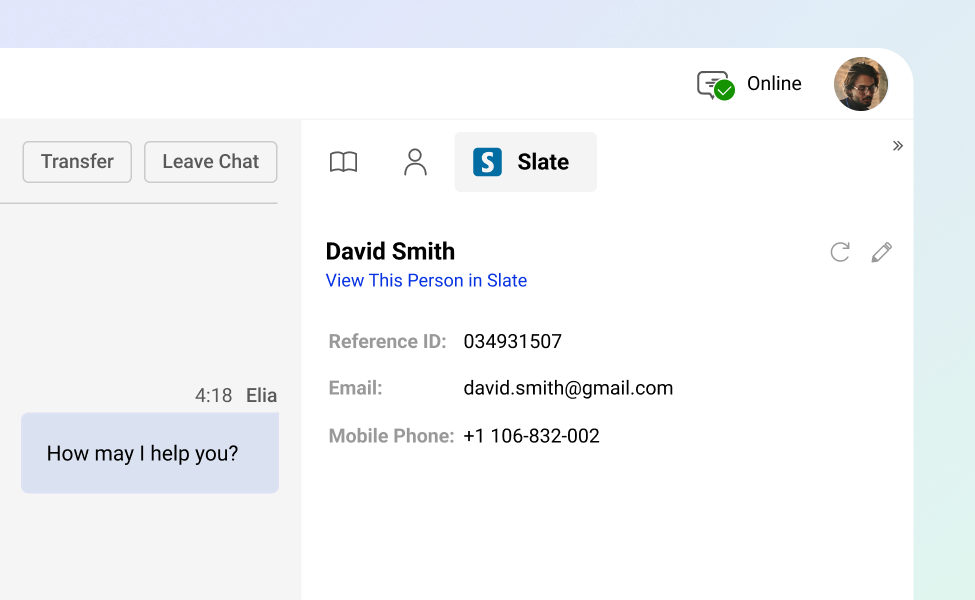
During a live chat or ticket, agents can work with the applicant or student’s Slate information from the Comm100 agent console.
They can see where that person sits in the admissions journey before they reply, so the first response is informed instead of generic, and students are not asked to explain their situation from scratch.
Automate Answers to Application Questions
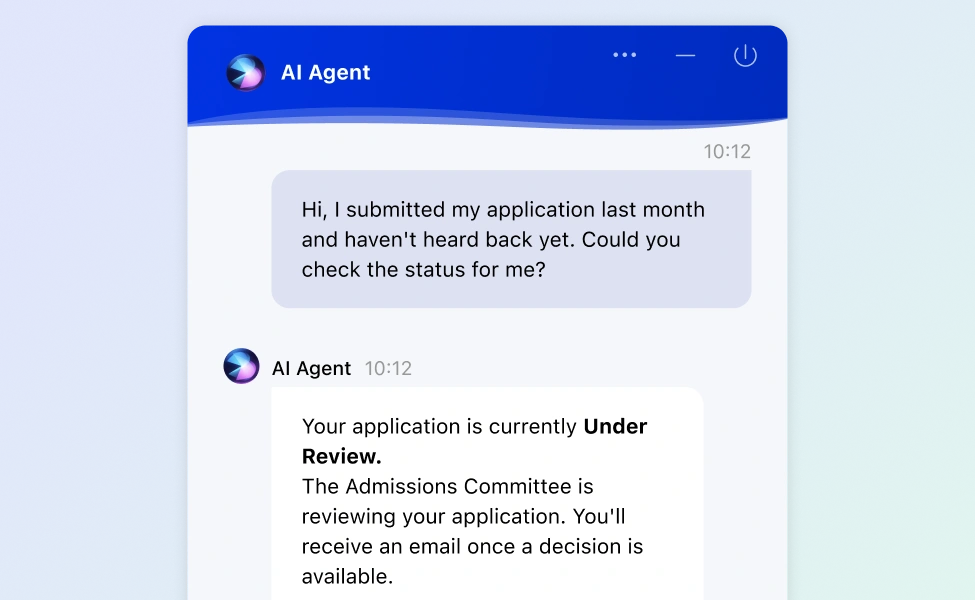
The Comm100 AI Agent handles the questions admissions teams answer over and over, so prospective students get help around the clock and your staff sees fewer repetitive tickets. Common examples include:
- Application deadlines and program requirements
- Document upload steps and checklist status
- How to check the status of a submitted application
Support Students Through Every Event
Recruitment and enrollment run on events: open houses, information sessions, and campus visits.
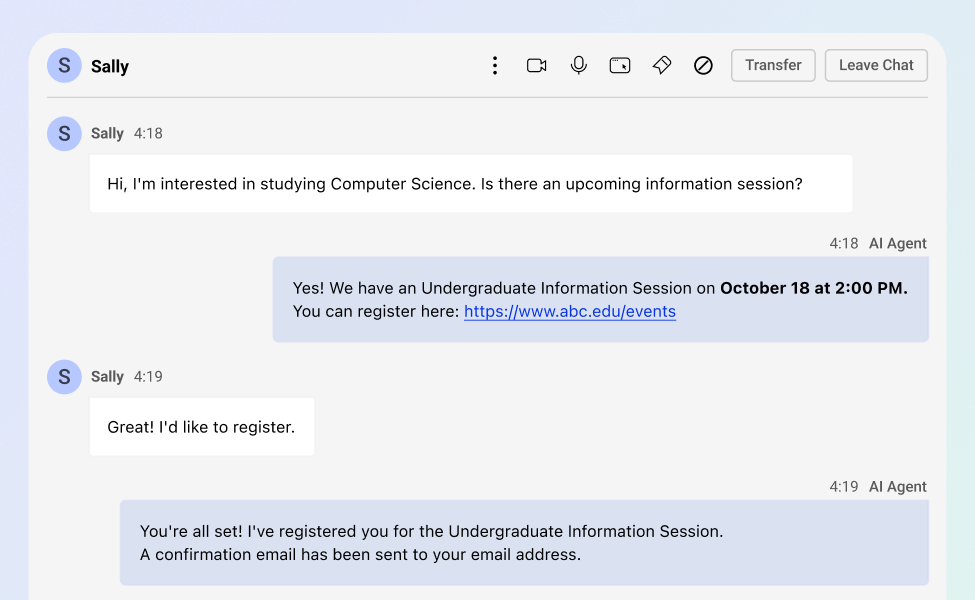
Agents and the AI Agent can answer event questions and point students to the right session, so interest turns into attendance during the busiest stretches of your admissions calendar.
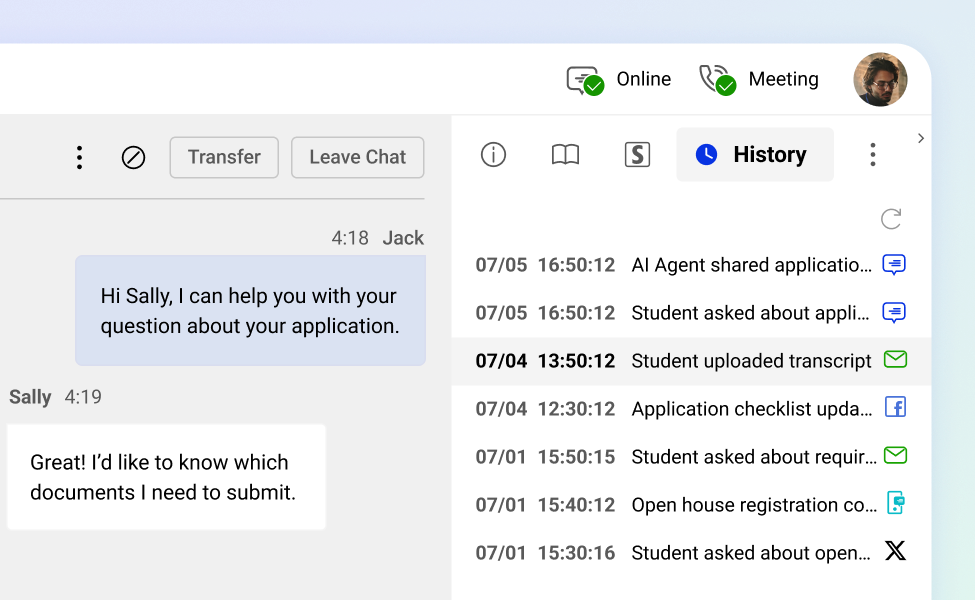
Run the Whole Student Conversation in One Place
Slate-informed conversations sit in the same Comm100 console your team uses for live chat, tickets, and other channels, with each student’s history in one view.
A question that starts as a chat and continues as a ticket stays connected, so whoever picks it up next knows what has already been said.
Frequently Asked Questions
How does Comm100's Slate integration work?
The integration connects your Slate environment to Comm100 so agents can work with applicant and student information from Slate while they handle live chats and tickets, and so the Comm100 AI Agent can answer common admissions questions. Conversations and student context stay in the Comm100 agent console.
What can the AI Agent help applicants with?
The Comm100 AI Agent answers routine admissions questions on its own, such as application deadlines, required documents, and how to check application status. It hands off to a human agent when a question needs one, the same way it works on live chat and your other Comm100 channels.
Can agents see a student's information from Slate during a conversation?
Yes. Agents can access the student or applicant’s Slate information from the Comm100 agent console, so they have context about where that person is in the admissions process before they respond.
Does the integration help with admissions events?
Yes. Agents and the AI Agent can answer questions about information sessions, open houses, and campus visits and point students to the right event, which helps during peak recruitment and enrollment periods.
Is this useful for current students, or only applicants?
Both. Slate is used across admissions, enrollment, and student success, so the same connection helps your team support prospective applicants and current students from one place.
Experience the power of people-first, AI-powered customer service.
Get started today!